Showing posts with label Google. Show all posts

Tuesday, June 21, 2016

Google starting Android Developer Certification

Certifications for developers is not a new thing. For example, Microsoft offers a wide range of certifications not only for developers but for almost anyone who works with their products (Office, Skype, Microsoft Server etc.). Oracle, Cloudera, and a plethora of other IT companies make certification programs for their products as well. 

These (in theory) help employers to connect with those who search for work in their field. It's (should be) kind of a confirmation that you have these skills that you're talking about.

But in practice, it doesn't work that well, many certified programmers don't know much about real software development process and don't have the necessary experience to start working in a team of qualified developers. So, employers did understand that and ceased to pay attention to certificates.

The most important criterion in employment is what applicant really did and can do, his portfolio and capability of learning from mistakes and failures. 

Meaningful certification

To be at least a little bit significant, certification should lead a developer through a development of a real software product that developer can put in his portfolio. 

It should be not just a piece of paper that endorses that you did pass a one-time exam but a process during which you use those skills that should be certified to build something really valuable.

Maybe something that you can really sell or publish in an app store (probably with some modifications).

Associate Android Developer Certification

And with that being said, I want to talk about Google's certification program.

Google didn't certify developers before. It's their first certification program despite they have really wide range of product for developers: Angular, Go, Dart, great amount APIs, Google Play Services etc.

And I think the reason why they didn't do so is that they are hiring many developers every month and face the problem of certificates. But seems like they come up with an idea of how to make certification better.

First of all, there is a performance-based exam that should show the candidate's ability to perform real-world tasks in a real-world project. Also, the grading system is fully transparent and that will allow employers to understand for what this certificate was given.

With these two improvements, a certificate should become more valuable for employers, it becomes not just a piece of paper but something that shows applicant's performance during development not just during the exam. That's what both employers and employees want from a certificate. 

What is in the future

The first certification program is for Entry-level Android developers and this, I think, is for the testing. Google want to know how it will work out and maybe they will have to change the way of certification in future. But if it works out well, I think, there will be other programs for high-level developers.

Also, the reason why they choose android for the first program is that it's highly popular now among new programmers and this will allow them to get more feedback. So it becomes clear that they're just testing their system for something bigger.

As for me, I'm already signed up for this certification program and waiting for July to pass an exam and get my first software development certificate. :)

And if you are just starting out like me, go ahead and sign up, even if it's not that good, it definitely will not hurt.

It's all for today, go ahead, sign up and good luck!

See you next week!

Sunday, June 12, 2016

Google Code Labs


The best (and the easiest as well) way of learning is by doing. But to get the idea of what you need to do you need someone to tell you (this is the main purpose of this blog).

Google Code Labs are doing exactly that. In codelab, you go through the lesson and build a small app that contains some feature like Google Sign in, Android Pay, Face Detection etc.

There are also codelabs that teach you to use new tools of SDK and Android Studio like ConstraintLayout.

At the moment, I've tried one codelab called "Build a Material Design App with Android Design Support Library" and have learned about ViewPager and NavigationDrawer also you can learn how to implement flexible space with image during this code lab.

One flaw that me and my friend noticed is the lack of comments in the code. Most of the codelab you will be asked to copy/paste/rewrite some code to make things work the desired way.

But for me, it was an encouragement to learn about used thing trough reading docs and blog posts.

There are a plethora of codelabs for any kind of developer. Whether you want to learn about Android, The Web or Firebase integration there is a codelab for you. Also, there are codelabs about Google APIs, Unity game engine, Virtual Reality and even one about Google Codelabs.

There is the list of codelabs that I want to complete during this week and I think that you will be interested in them too.

Building Apps that Sign In with Google


The reason why I want to complete this is that I always signing in every app with Google account if there is a possibility to do so. All these registration steps exasperate me and if I can start using an app without them I will and I want my users to be able to do so.

Echo with Android Howie Library

This I want to pass because one of my friends asked me to build an app for introverts :). The idea is that you will record something like in Whats App but you instead of sending it to someone you will save it on your phone and will be able to listen to it later. And this codelab will help me with this app.

Using ConstraintLayout to design your views


When I saw ConstraintLayout at Google I/O Keynote I reacted skeptically. I still think that ability edit source code gives you more flexibility and control over layout that any drag-and-drop layout builder. 

But I want to give it a try. At the end of the day, developers (me as well) will send feedback about it and it'll become better with time.

Automated Performance Testing and Android Testing codelabs


Proper tests will never hurt your app. Actually, developers dislike testing because the main goal of it is to break your app. But in the perspective testing will help you to provide your users with high-quality product and updates. I think that it worth breaking your app if it will lead your app to success.

Face Detection with the Mobile Vision API

Do I even need to explain why I want to complete this codelab? 

IT'S FREAKING COOL!

Face detection is awesome! You can not only detect faces, with Mobile Vision you can also catch facial expressions, and all of it on MOBILE PHONE. We didn't even think about it 5-7 years ago and now it's just a deal of passing a codelab.

All these I want to complete in a week. Likely, I will update this post after completing every codelab and will tell you what I think about it. So be tuned in follow me on Twitter, G+ and Facebook to not miss future updates.

It's pretty all for today. See you in the next one!

Sunday, June 5, 2016

Benefits of Awareness

Today apps are more and more bound to the users context and developers seek for the way to provide a unique experience for each and every user.

One of the first apps that were designed to do so was Google Now a Google's smart mobile assistant that was meant to provide the user with information like weather, traffic, flight delays even before the user needs it.

To make this kind of apps, you need to be aware of user context. What is around him? Is it raining? What is he doing?

To answer these questions, you need to use sensors, a bunch of APIs and do it all in the background. It means that your app will drain the battery and affect the system health even if it's not accessed at the moment.

Bad influence on the battery life can be the cause of your app deletion from user's smartphone.

But these battery and performance optimizations can be a cause of pain for the developer. You need to develop the main idea of your app to make it clear and straight.

And here comes Awareness API.

As was said in my previous post I will tell you about what it is and how you can use it.

It didn't come out yet, but you can sign up for early access today and try it for your app.

What it is

As I said Awareness API was made to provide your app with information about the user's context.

It can give 7 different types of context like location, place, activity, time, weather, beacons nearby, and headphones status.

The nicest thing about the API that it manages its' impact on battery life automatically. So you only need to request the data about context and you can almost forget about managing system health when doing so.

The API itself consist of two distinct APIs that your app can use depending on how you want to use context information.

The first one is the Fence API


Fence API is like a watcher that will tell you when the event that you need to react to is happening. 

Generally, it looks like this, your app telling the API "hey, I need to know whenever my user is walking near a Whole Foods store", in this case, you use two types of context: activity and place. When the user's context match this conditions your app will be notified about it even if it's not running at the moment.

Using this information you can send a notification, for example, about a planned shopping trip.


And the Snapshot API

This API lets your app get information about the context that surrounds user at the moment.

In this case, your app is already performing some operations and then request the API, "Hey, I need to know what user is doing now and where he is". It can be useful for apps that store some kind of data produced by the user such as photos, videos, audio records etc. 

For example, you can request weather conditions and location for your photo app to make your gallery more convenient, classify photos by location or weather or kind of places (work, home, coffee shops etc.) they made at.

It also can be useful for analytics. You may want to know if what conditions your users use your app more often to make it better for this certain situations.

Types of context

Here are 7 types of context and what information they can provide
  • Time - this will provide you with current local time.
  • Location - this is the pure location on the map. Latitude and longitude.
  • Place - place and the kind of place (if can be identified).
  • Activity - accurately detected user activity like running, walking, riding a bicycle etc.
  • Weather - current weather conditions at the user's location.
  • Headphones - are headphones plugged in?
  • Beacons - namespace, type, and content of nearby beacons.

Using these you can build extraordinary apps and provide your users with content based on their current context and all this with minimalized impact on battery life and system health.

Share your use-cases in the comment section below.

This is all for today, see you next week, peace!

Sunday, May 29, 2016

Why I'm charmed by FireBase

What is Firebase


Firebase is a cloud service provider for mobile and web developers.

It was originated as real-time database service in 2011 and still it's the crucial characteristic of it.

But with it, Firebase offers the huge amount of features. Like built in Analytics, App Indexing, Hosting, Authentication, brand new Dynamic Links, Notification handling, Crash Reporting, and AdMob.

Most of these are totally free. There also paid plan featuring testing and Google Cloud Platform integration.

These features are new and were presented at Google I/O 2016, for me it was one of the most exciting parts of the keynote. I didn't put it in My Top 8 Announcements From Google I/O 2016, though. Because I think it worth to write a separate post about.

What I like the most about it is that it gathers almost all backend that you need for your mobile or web app in one place and manages everything for you. You don't need to connect your app with Google Analytics, AdMob, a real-time database, etc. separately, now you can have all these in one place.

And new features like Dynamic Links and Remote Config are awesome. They bring user experience to the new level without any hard work from the developer.

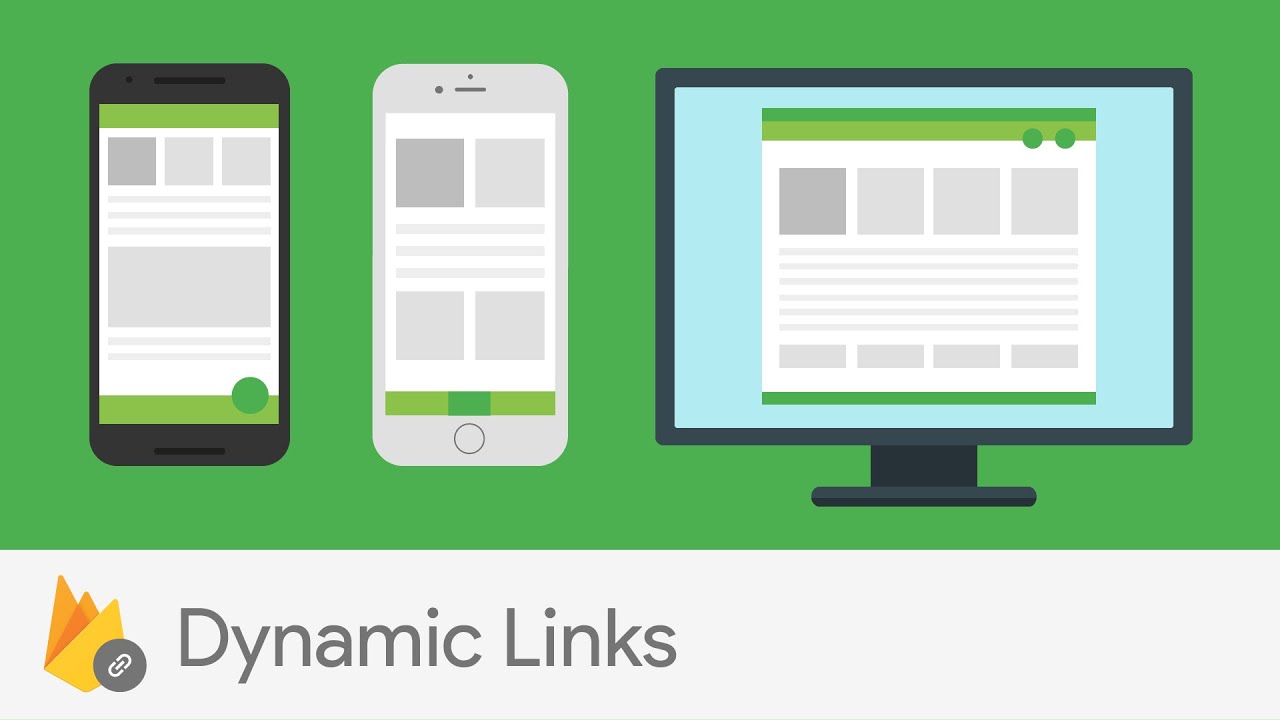
Dynamic Links

The most annoying issue in mobile for me is that browsing experience is always inconsistent, unlike the web.

Deep Links were here to solve the problem, they were great in theory, but in fact, they didn't work as we wanted.

Dynamic Links also don't solve this problem completely (Instant Apps do) but they ease the pain from it and do it way better than classic Deep Links.

Basically, Deep Link is the URL that knows about your users' context and depending on that context it can provide various behavior.

It can get your user to your website/app store page or directly to your app depending on whether your application is installed on the users' phone. It will behave differently on Android, iOS, and desktop.

The most remarkable part is that it can survive app store installation process and you can use the context of your user to bring him the best service when he opens your app for the first time or bring him to particular content within your app (for example some recipe in cooking app) that was encoded in the link.

Dynamic Liks are the base for Firebase Invites.

Invites

These really can help you to grow your app. People are most likely will use your app if they receive an invite from a friend.

It's not a new concept. Invites were invented long time ago, but developers were on their own in implementing them.

In the beginning, there were referral codes and I can't imagine that someone will be doing this copy-paste-email-copy-paste mess for %5 discount.

After that, developers started using referral links to achieve the similar effect, but still, the mess.

Some apps have UI for invites that are very convenient, a user just need to make 2-3 taps to invite a friend and the invited friend should do 2-3 taps to start using the app with the help of Deep Links.

But do you have time to implement that? Your main care is your app, not bells and whistles. But invites are important bells and whistles, invites can make the difference between success and failure of your app.

Fortunately, Firebase team did all the dirty work for you and brought Firebase Invites to you, so you can focus on your app functionality instead of making your own invites.

As I said, they are using Dynamic Links so you can be sure that UX will be fine.

And when you have an audience you need to re-engage with it. Remote Config will help you to do so.

Remote Config

We live in information century and today this information transfers really fast, we need some tools that will help us to react to this and bring better user experience across all devices.

One way to handle it is updating your app, but to do so you need to pass through all these development cycles like redesigning, redeveloping, testing etc. it's too slow, you can lose your users while trying to bring the new update.

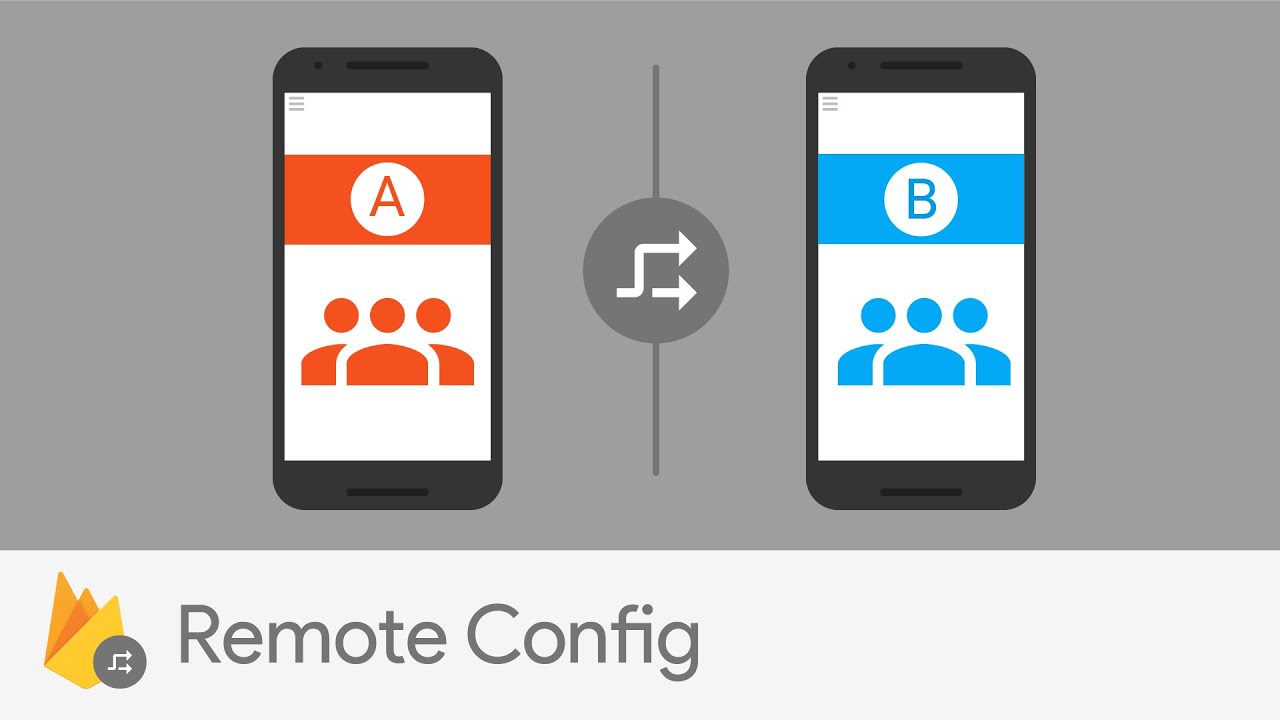
To avoid this FireBase presented Remote Config. Essentially, it's key-value table that is stored in the cloud. But despite its' simplicity, it's all you need to react incredibly fast to feedback from your users.  

We are not prefect, we can do typos in our apps' text, and this is hraming user expreience, but now we don't need to repuload our app in app store just because of typos or something like that, just chnage the value of string with typo in your Firebase Console and you're done. (typos are annoying, aren't they?)

People from Firebase shared a great use-case for mobile games.

Consider you have a group of people that are too good in your game. They are getting 3 stars at any level. It's not what games are about, right? They want the challenge (remember flappy bird?), something that will make them try harder.

Ok, so you can bring them the challenge, make this levels harder, but they are the only group, what will be with other users?

It's not a problem now! There is a feature called Audience Segmentation that allows you to apply different configurations for different groups of users. You just make level settings to make it harder for those users that making great success in your game and you're done, again.

Also, you can use it to test a new feature on a small group of your users before showing it to everyone.

But wait, where you will get this all information, about what your users need the most.

Here's where Analytics come in.

Analytics

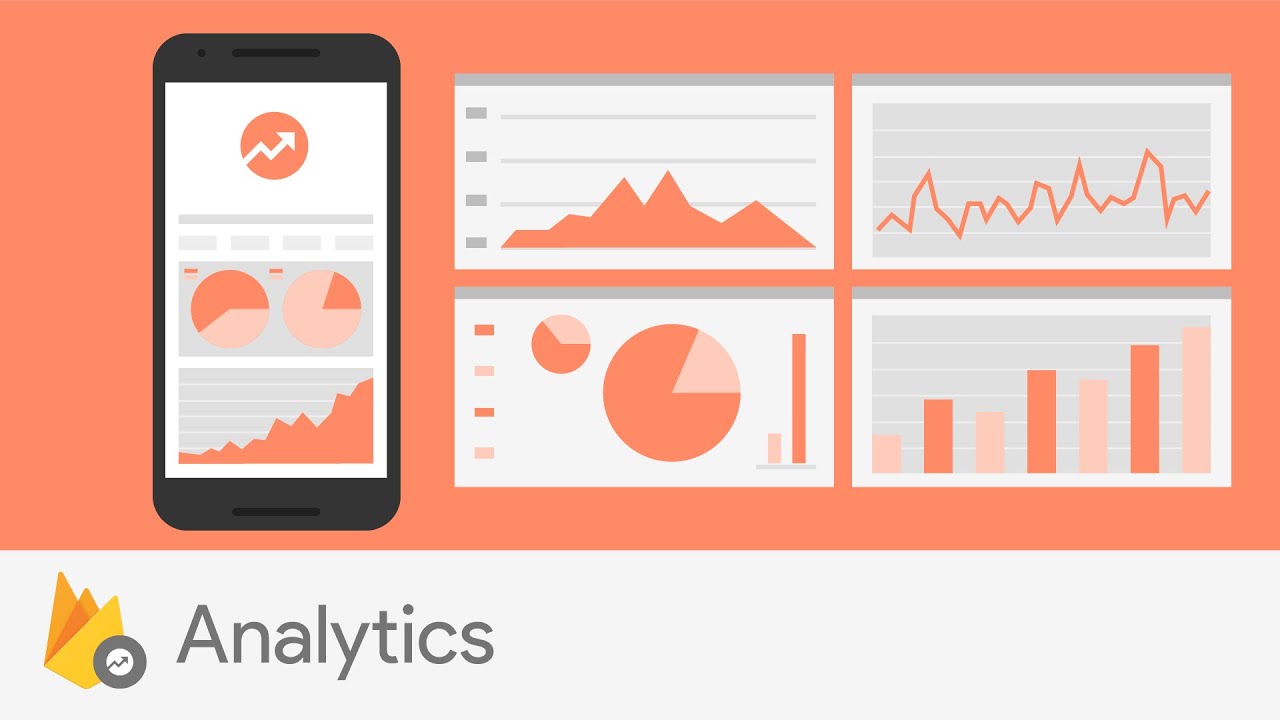
Analytics is not a new feature. Firebase Analytics just gather all analytic tools in one place (and that's as I said one of the greatest things about Firebase).

What I like the most in Analytics is Audiences. 

You can group your users by how they behave in your app. Are they making purchases? Are they from Japan? Are they too good in your game? Knowing all this you can provide different service to different users. Make your app flexible. 

And you can make your own custom events that will describe the group of users.

For example, if you have an online store app like eBay, you can make Audience of users that have a car (using Awareness API, that I will discuss in later posts) using the custom event to send them notifications about sales on items related to vehicles and increase your revenue from it.

Summary

Firebase is a generalization of developing experience since the moment the Intenet was invented. It has a plethora of tools for developers that'll provide great UX. 

I didn't try it out yet, but can't wait to get my hands on it and be sure I'll share the experience of using it in this blog.

There are many other features if Firebase to develop your app, grow it, and earn from it. These are just most important in my opinion and if you want me to describe them too just let me know in the comment section below.  

You can find the docs and other information here.

This is all for today, see you next week!
Sunday, May 22, 2016

Top 8 Announcements From Google I/O 2016


For last 4 years, Google I/O is one of the most important yearly events for me. I always watch it with admiration of a child.

Google I/O 2012 was really great and the keynote was astonishing. Google Glass presentation alone was enough to blow my mind.

Google I/O 2016 started May 18 and lasted up to May 20 and I think it was much better than the last two. Google announced many new things and some of these I really can call innovative (such as Clear All button in recent apps screen, thank you Google).

So let's review some of the new announcements.

Virtual Reality Comes To Your Phone


On the keynote, Google presented brand new virtual reality platform called Daydream. It's built on top of Android N and allows you to go virtual with just your phone. 

The main idea is that virtual reality should be accessible for anyone, anywhere. And Google Cardboard showed us that it can be.

And now Google taking it seriously. They presented specs for phones that they call Daydream-ready and Google says that some of them will be available this fall from such manufacturers as Samsung, HTC, LG, and Huawei.

Also, there are reference designs for headsets, that will bring us a variety of headsets from those manufacturers.

Apps for Daydream are already shipping from companies like The NewYork Times, Netflix, HBO. But what is a virtual reality without games that will bring you into the action and cause adrenaline surge? Ubisoft and Electronic Arts are already developing for Daydream too!

Google itself made VR versions of their apps. Such as YouTube, StreetView, Play Movies, and Google Photos. Also, there is VR version of Google Play Store so, you don't even need to install apps before going virtual you can do it on the fly.


Assistant

In the beginning of the keynote, Sundar Pichai announced Google Assistant. It's more intelligent version of the software that handled requests to Google Now.

It has similar to Google Now functionality but it's aimed at conversation and context of requests. You can ask it a chain of questions or request and it'll behave depending on the context of your conversation with it. 

For example, during the keynote, Sundar Pichai asked Assistant about movies that were playing tonight, and after a short conversation, Sundar ended up with 4 tickets to Jungle Book. By the way, he mentioned that he have already seen it and it's great, so great that it worth to watch several times.

I think, that it's great how Google and other companies bring fundamental researches to the users. Assistant brings years of Googles research in the field of natural language to your phone, watch, car, desktop, and even home.

Google Home

Google Home is a layer between the devices for home and the user.

Generally, it's the computer that is always at your service and it integrates into a broad range of other services. You can change temperature or lighting in your home with something like Nest, play your favorite songs from Spotify, play a movie on your TV, or just make requests like you would do with Assistant on your phone.

When Google will provide API for Google Home number of its applications will only grow. And we will have "an ambient experience that extends across devices" as Sundar said.

Communication


Throughout the keynote, Google presented two apps for communicating with those who matters.

One of them is Allo

It strongly reminds me Telegram. Allo provides emojis, custom stickers, and message encryption. Also, there is the ability to draw on photos before sending them and to set the font size of your message. 

And has two options of signing up with your phone number, or with your Google account. Also, it's mobile-only that I personally think is the disadvantage.

The reason, why it reminds me Telegram is that there is built-in Google Assistant that works just as Telegram bots. You can write directly to @google and ask questions or make reservations, scheduling etc. or you can call to it in your conversation with someone else, so the other person would see its answers. In my opinion, it's generalization of Telegram chat bots.

Also, Assistant can suggest you quick answers to your friends' messages. It even can determine what pictured in the photo that your friend sent and generate an answer based on that. In Google, they call it "suggestion chips".


And the host Eric Kay is a really funny guy. It'd be great to have a conversation with him using one of the new Googles messaging apps. :) 

Video chats become more natural with Duo

Duo is a video chatting app that will compete with Apples' FaceTime. Splitting up messaging and video chatting is a great decision that Apple made a long time ago. It keeps both apps clear and simple and doesn't mess up the user experience. 

There is the feature called "Knock Knock" that shows you the preview of the person that calls you before you even answer. In my opinion, it makes this video chatting more natural because in real life you really see the person before starting a conversation.

 Here is the self-explanatory video

Android is constantly growing

The reason why I chose Android development over all other software development fields is because Android is growing really fast. You will never be bored if you are an Android developer, every year there's something new. You can build apps for mobile, tablets, desktop, cars, watches almost everything that touches us in our everyday life. 

New in Android N

What was presented in I/O is primarily features that were in the developer preview. Such things as new emojis, split-screen mode, and quick settings. Also, there were presented new features including new notifications and picture-in-picture multitasking mode for android TV.

For developers, there are Java 8 support and the bunch of new APIs.

N provides new graphic API called Vulkan which is low-level, low-overhead, cross-platform API for high-performance, 3D graphic and I think it's really great for Daydream.

N is in beta until later this summer, and you can try it today. 

Also, Google encourages you to come up with the name for the new version of Android. I suggested Nobannic which is reversed Cinnabon.

Android Wear 2.0

Google announced the biggest update of Android Wear since 2014. 

It makes your wearable devices more autonomous and less dependent on your smartphone that means, that it's not anymore required to bring your smartphone anywhere you go. Taking into account that many people using watches for sports activities it's a great update.  

Also, there are features like automatic exercise recognition, that will help you to track your sports goals without direct action to do so.

And now you can show information from any app on any watch face that makes them more customizable.

Ambient browsing experience

For me, it seems like some kind of magic. I don't really understand how it works yet but it's relly nice feature.

I talk about Instant Apps. This was announced during the keynote as well and it really enhances the way mobile users browse the web.

The main idea is that you don't need to install an application to open it on your phone. Now Android loads required parts of an application when you need it. 

Imagine, your friend sends you the URL to Star Wars movie page on IMDB and you have no IMDB app installed and instead of opening it in a browser it will open this page as if you have this app. 

Really nice feature.

Summary

It's very few of what was presented on Google I/O 2016. You can watch all recordings on I/O 2016 page.

I will post about I/O for several weeks because there were really many new things, especially for developers.

So, see you next week, peace.

P.S. Leave your comment in the section bellow and let me know what You've liked the most from I/O 2016.